
 Age 2
Visual & spatial
Shape Detective: Big Choice
Look at the shape, then tap the same shape.
Play this game
32 games · Ages 2–9 · Parent-led
Match pictures, catch numbers, and build your own beat. Pick their age and play a short adventure together.
Preview play is unsaved and needs no account.
4 games for each exact age
3 levels bundled in every game
3 languages English, Hindi, Gujarati
0 accounts needed to preview
Begin with the game
Try a game here, then use your family space to keep each child’s activity, scores where available, and level progress.
Browse all gamesAge 2Visual & spatial
Look at the shape, then tap the same shape.
Play this game Age 3
 Age 4
Memory & attention
Watch the instrument concert, then tap the same sounds in order.
Play this game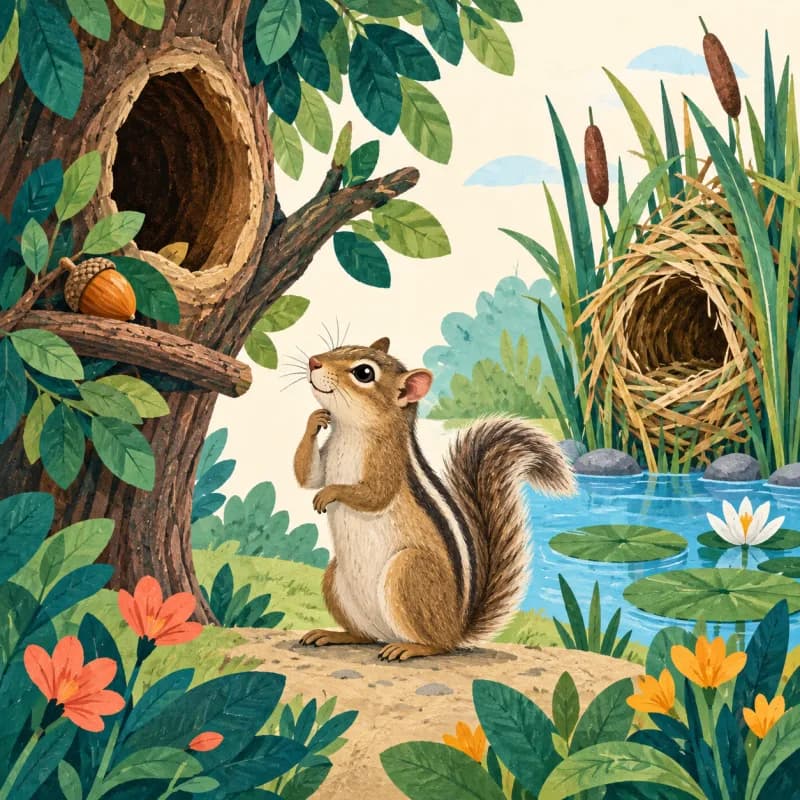 Age 5
Nature
Open the plant windows, then build its growing story.
Play this game Age 8
Memory & attention
Rehearse both visible rules, then move each card to one side.
Play this game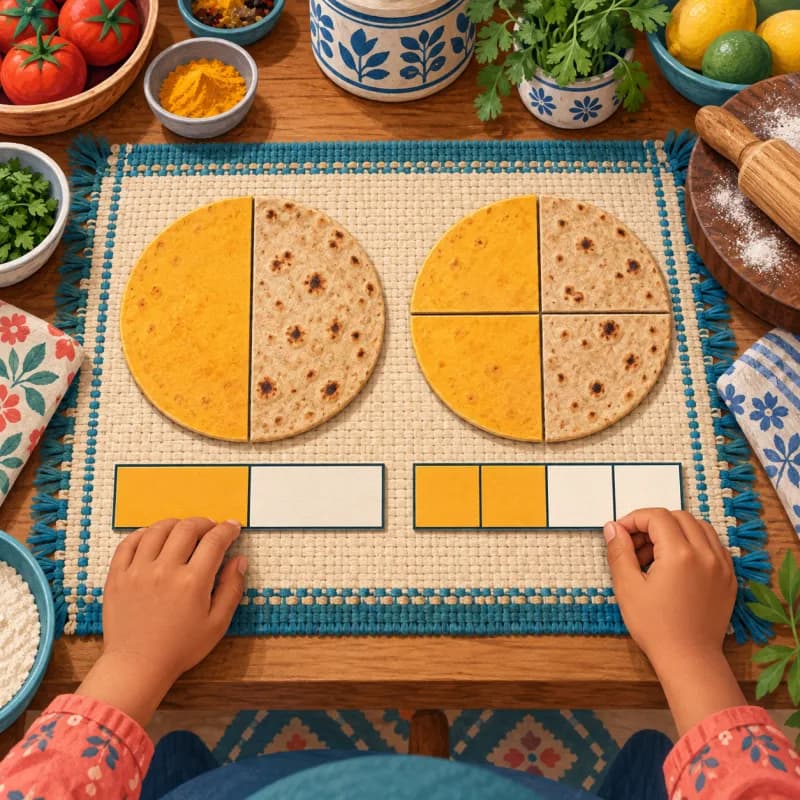 Age 9
Numbers
Build garden plots from unit cells, trace the boundary, and compare designs.
Play this gameChoose their age
Each age has its own set of four games. Choose an age to see only eligible activities.
One finite path
MindPlay is designed for a short parent-led session, with the next step visible and no infinite feed.
Pick one of four games made for the child’s exact age.
Each level has something to make, find, or solve—and a clear finish.
Signed-in parents can see child-specific activity and progress.
Ten learning worlds
Listen closely, build messages and put ideas into words.
↗3 gamesExplore pictures, rhymes and clues that support early reading.
↗5 gamesMove, count and combine objects to make number ideas visible.
↗3 gamesNotice rules, sort clues and test a thoughtful choice.
↗4 gamesTurn, fit and arrange pieces to understand space.
↗5 gamesWatch a short sequence and bring it back in order.
↗3 gamesExplore living things, their homes and how they grow.
↗2 gamesRead everyday situations and choose a safe, kind response.
↗2 gamesBuild a beat, change it and hear an idea take shape.
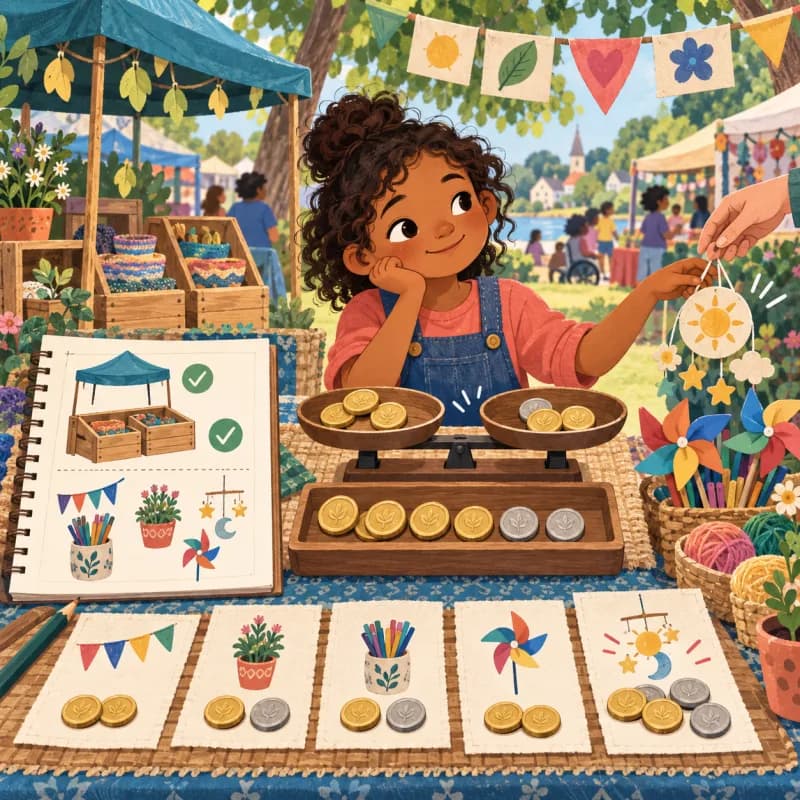
↗2 gamesPractise useful choices through familiar, hands-on play.
↗
For grown-ups
A parent creates and owns each child profile, chooses the age and language, and can return to activity history. Scored games and completion activities are kept distinct.
Pilot FAQ
Yes. Choose a game and start playing. Guest play is not saved; an account is only needed to keep your family’s progress.
The current catalogue has four games for every exact age from 2 through 9. A parent chooses the child’s age.
No. Some activities have scores and some are completion activities. Scores only describe play inside MindPlay; they are not diagnoses, IQ scores or comparisons with other children.
The games support English, Hindi and Gujarati. This website links to English by default; language can be changed inside the player.
Email confirmation, password reset delivery and self-service account deletion are not available yet. Parents can contact us for account or profile requests.

Ready for one small quest?
Try any of the 32 games in the browser. Nothing is saved until a parent chooses the family pilot.